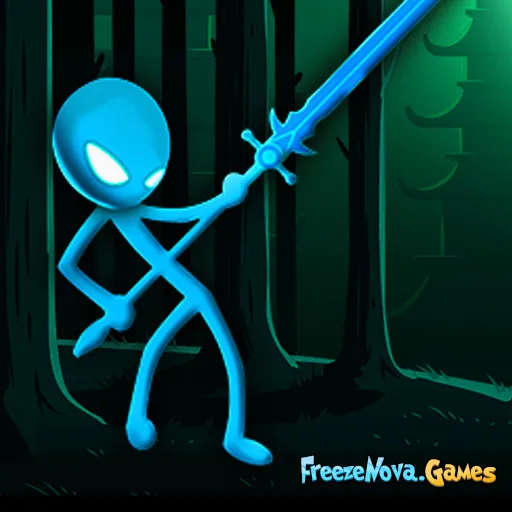
Stick Battle
by Community
10 Minutes Till Dawn
Ragdoll Archers
Cluster Rush
Obby But Youre On A Bike
Moto X3M 3
Run 2

Fancy Pants Adventures World 3
Celeste Classic
Run 3
Swords And Souls
Super Smash Flash
Gun Spin
Escaping The Prison
Escape Road City 2
Moto X3M 2

Spider Dude Parkour
Baseball Bros
Stickman Destruction
Rooftop Snipers
Portal
Froppy.io
Dad 'n Me

Solar Smash
Time Shooter 3

Spelunky Classic HD
Spartahoppers
Moto X3M Spooky Land
Deadly Descent
Boxing Random
Awesome Tanks 2
Asteroids
Fruit Ninja
Browse by Category
You Might Also Like

About Stick Battle
2-player local versus modeFight human or AI opponentsPunch, kick & combo systemFast-paced stick figure combat
How to Play Stick Battle
Controls
Frequently Asked Questions
Can you play Stick Battle with 2 players on the same keyboard?
Yes! Stick Battle supports two players on the same keyboard. Player 1 uses WASD to move and Q/E to punch and kick, while Player 2 uses the arrow keys to move and Numpad 1/2 to attack, with Enter to block.
What are the best strategies for winning in Stick Battle?
Focus on mastering combos by chaining punches and kicks together, and use jumping to dodge incoming attacks. Timing your blocks is key against aggressive opponents, so don't just spam attacks — mix offense with defense to keep your enemy guessing.
Can you play Stick Battle against the computer or do you need a second player?
Stick Battle lets you play against the computer, so you can enjoy the game solo without needing a second player. You can also challenge a friend in 2-player mode for competitive head-to-head battles.
How can I play Stick Battle for free?
You can play Stick Battle for free right here on GlorpMath. No downloads, sign-ups, or payments required. Just click play and start having fun instantly!
Does Stick Battle work on school Chromebooks?
Yes! Stick Battle runs directly in your browser and works great on Chromebooks, laptops, tablets, and phones. No installation needed.
Is Stick Battle unblocked?
GlorpMath hosts Stick Battle directly on our servers, making it accessible from most school and work networks. Just visit GlorpMath and start playing!